
SBIR.gov Company Registry
Obtain your SBC Control ID, download proof of registration, and keep the Company Commercialization Report current.
Before you begin
Match the exact legal identity from your Active SAM record when you register on SBIR.gov.
Why this matters
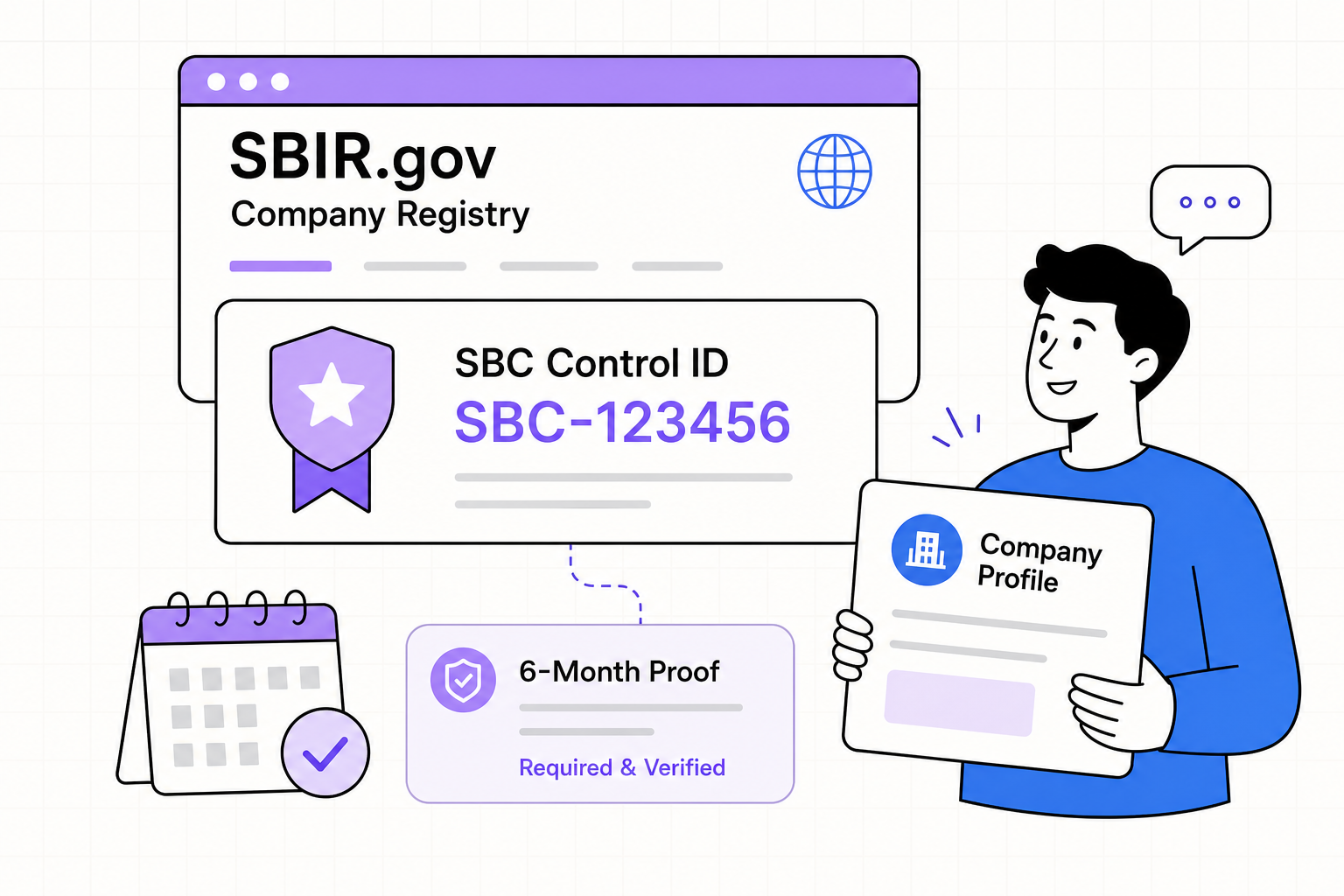
All SBIR and STTR applicants must register the company through SBIR.gov before submitting. A completed registration produces a unique SBC Control ID, a downloadable proof-of-registration document, and a company record used across participating agencies.
Register in one sitting
- 1Create or sign in to your SBIR.gov account
Use an individual company-controlled email. Do not leave a former employee or consultant as the only administrator.
- 2Register or claim the company
Search before creating a duplicate. Match the legal identity shown in SAM.gov — name, UEI, address, EIN.
- 3Complete the company profile
Ownership, affiliates, institutional ownership, administrator, and contacts — accuracy matters for eligibility review.
- 4Obtain the SBC Control ID
Save it in your permanent registration record; you will associate it with proposals.
- 5Download proof and set a renewal reminder
Refresh whenever ownership, address, administrator, or affiliation changes — and at least every six months.
Company Commercialization Report (CCR)
The CCR is a backward-looking record of results from prior SBIR/STTR awards — sales, investment, Phase III outcomes — generated through SBIR.gov when required. It is not the same as the forward-looking commercialization strategy in your technical volume.
Historical outcomes from prior awards. New firms may have empty history — that is normal.
How this technology reaches users and buyers. Even first-time applicants need a credible plan.
You are registry-ready
- SBC Control ID saved in your company vault
- Proof-of-registration PDF downloaded and dated
- Administrator email is company-controlled (not a personal-only account)
- Calendar reminder set for the six-month refresh
- Legal name / UEI match Active SAM.gov