
Register on SAM.gov — get your UEI and CAGE code
Create a free SAM.gov registration so you receive a Unique Entity ID (UEI) and a CAGE code — the federal passport for bidding and getting paid as a prime.
Before you begin
You need a legal business identity, EIN, and business bank account before SAM. Skip only if those are already done.
Why this matters
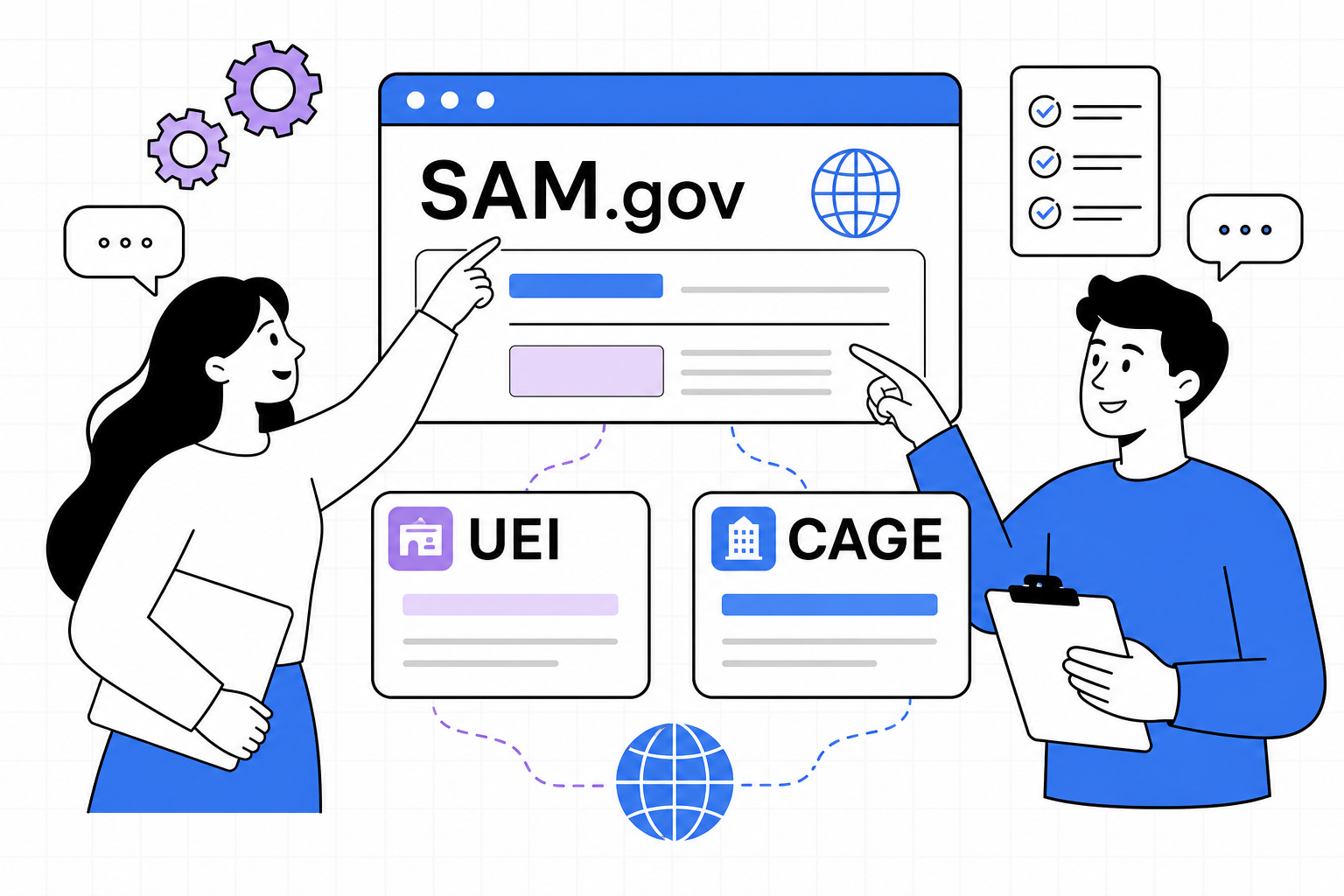
If you want to bid on federal contracts or receive federal awards as a prime, your company needs an active registration in SAM.gov (System for Award Management). That registration is free. There is no official fee to register.
During registration, the government gives you two IDs you will use forever:
- UEI (Unique Entity ID) — your 12-character business ID in federal systems. It replaced the old DUNS number.
- CAGE code — a five-character code used widely in defense and logistics. For U.S. companies, you usually get this automatically after you submit SAM.gov — you do not need one before you start.
What are UEI and CAGE?
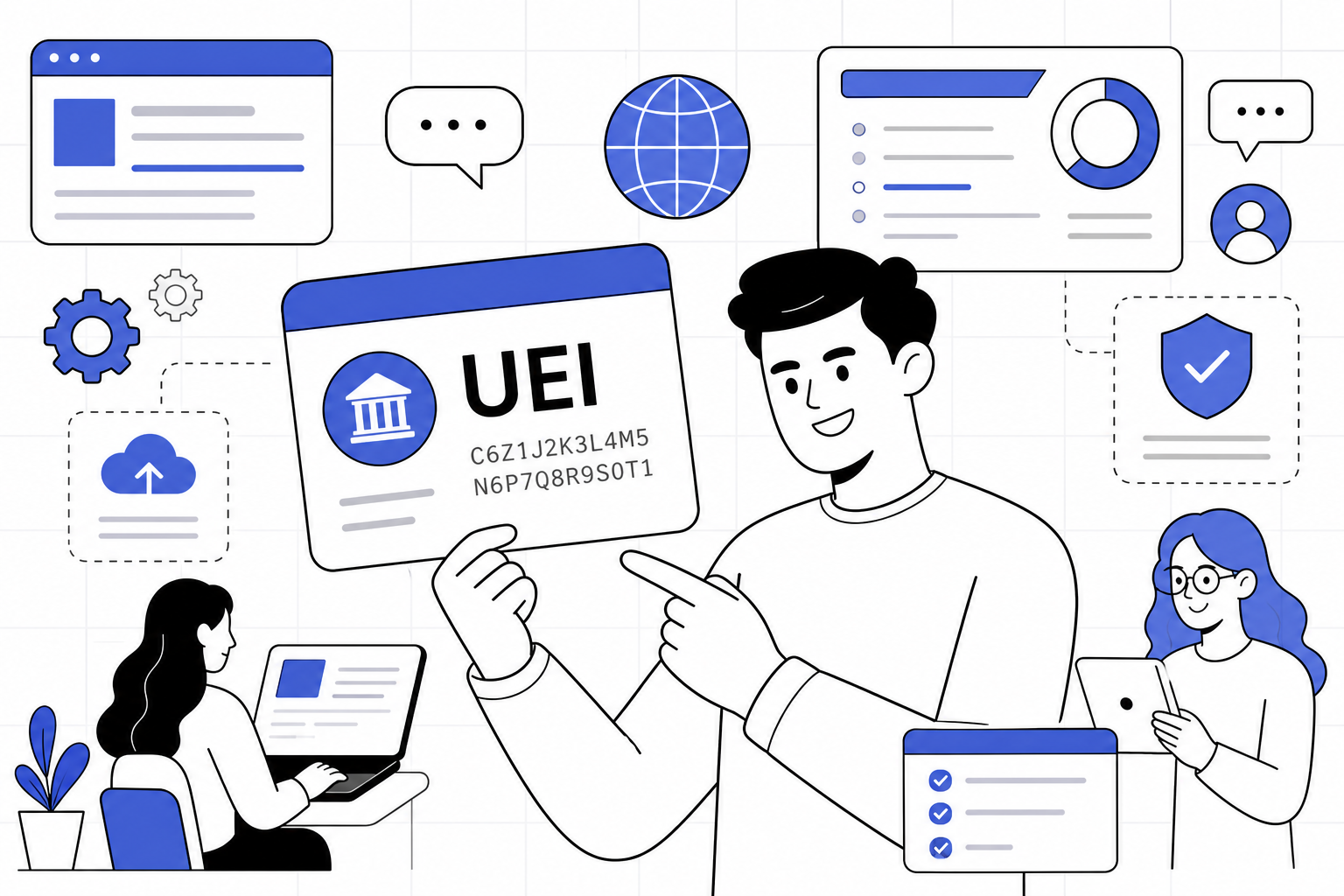
UEI = Unique Entity Identifier. It is assigned inside SAM.gov when you start entity registration (or when you request a UEI-only). Agencies and primes look you up by UEI.
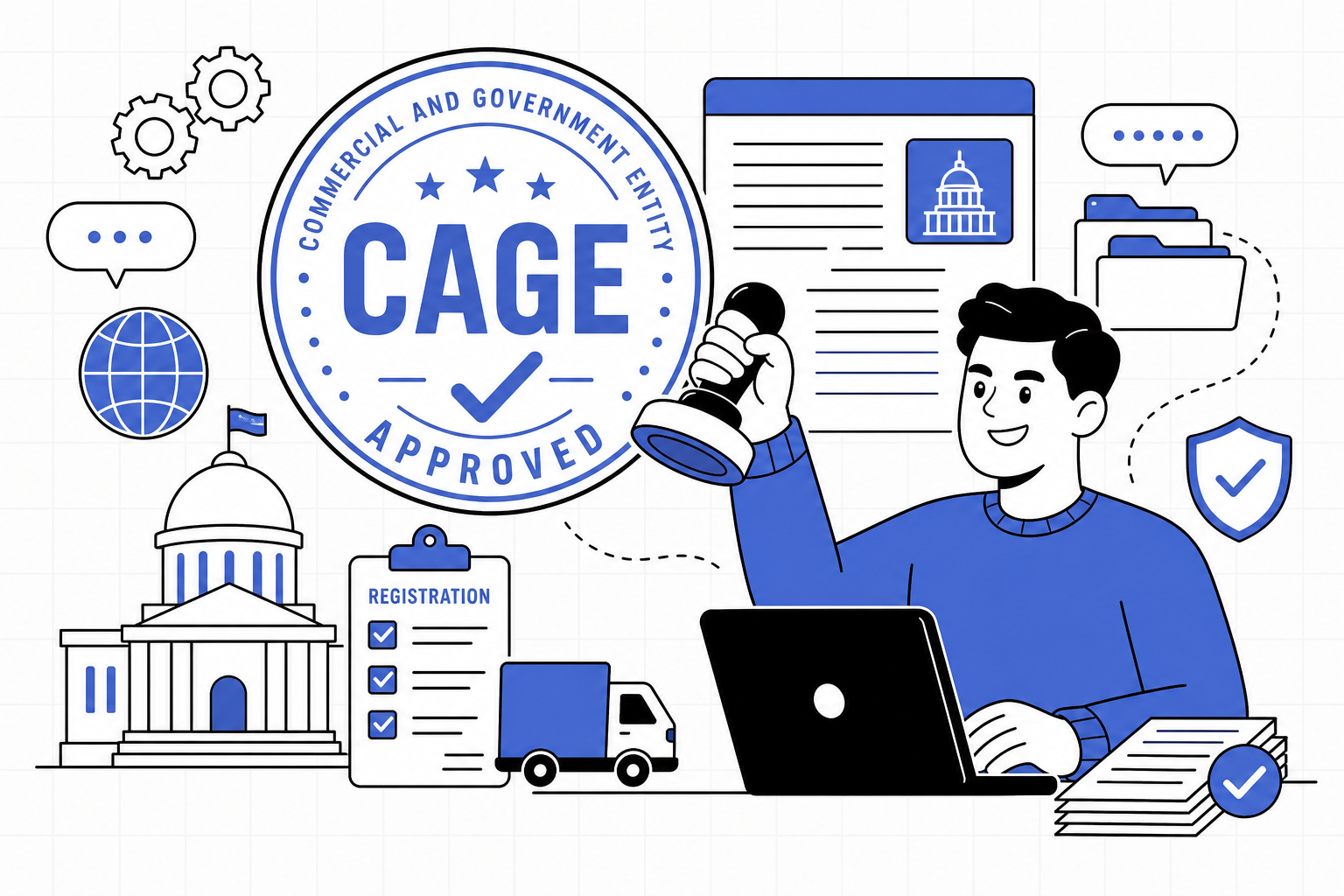
CAGE = Commercial and Government Entity code. For U.S. entities, if you do not already have one, select that you do not have a CAGE code during registration. The Defense Logistics Agency (DLA) assigns one as part of the process. Non-U.S. entities need an NCAGE first — that is a different path.
Gather these before you click anything

Most delays happen because the name or address does not match IRS records. Pull these out first:
- Legal business name exactly as on your IRS EIN letter (punctuation and “LLC” spacing matter)
- EIN (Employer Identification Number) — or SSN only if you are a sole proprietor registering that way
- Physical street address (not a P.O. box for the physical address)
- Mailing address if different
- State of incorporation / country of incorporation
- Bank routing and account numbers for Electronic Funds Transfer (how the government pays you)
- NAICS codes that describe what you sell (your industry codes)
- Points of contact: Entity Administrator, Government Business POC, Electronic Business POC
Do this, in order
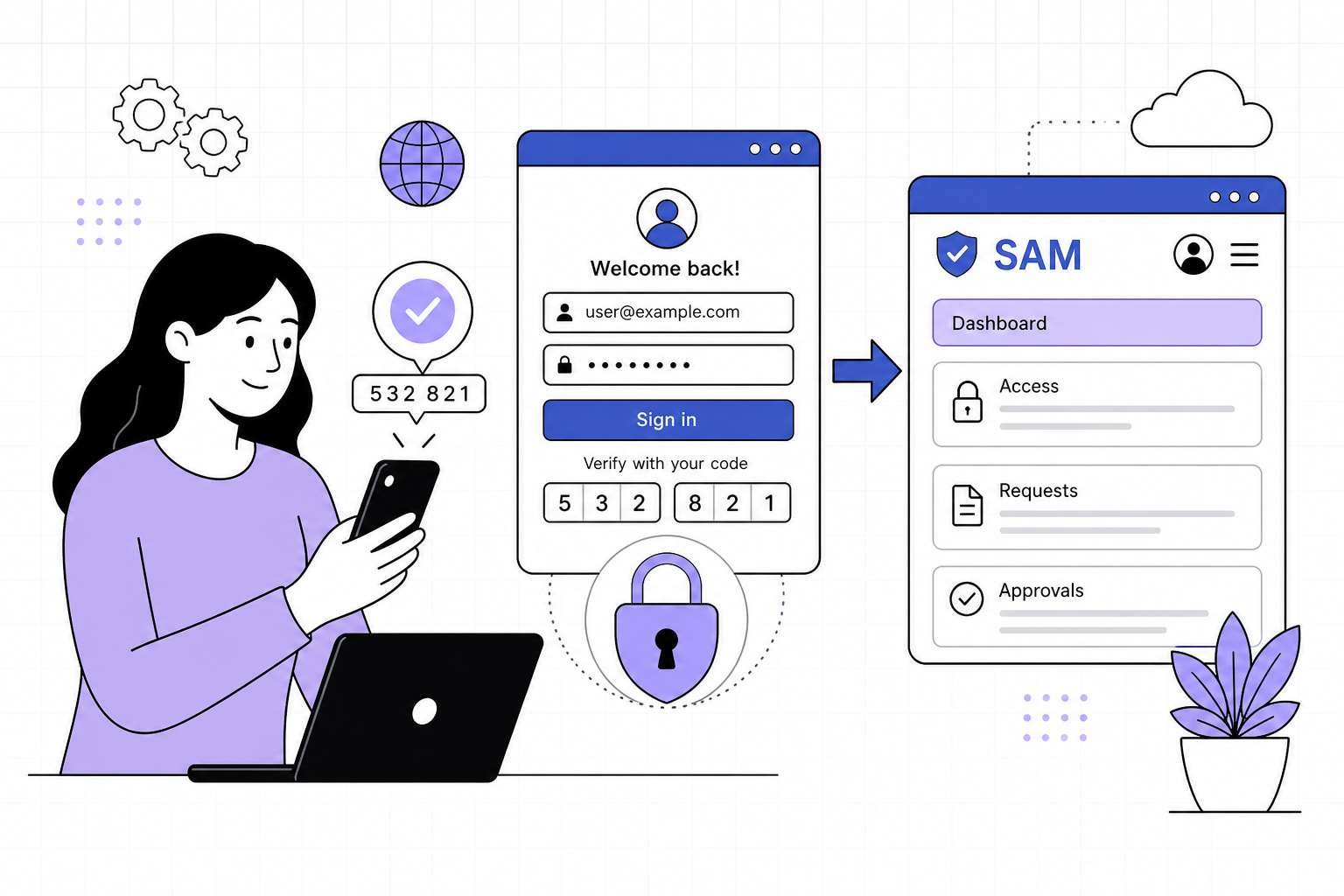
- 1Create a Login.gov account
Go to SAM.gov and choose Sign In. You will be sent to Login.gov. Use a work email you control, turn on multi-factor authentication, then return to SAM.gov to finish your profile.
- 2Start entity registration
In SAM.gov, open Get Started under entity registration and choose Register Entity (not UEI-only if you want to bid as a prime). Pick the entity type that matches your company — usually Business or Organization.
- 3Validate your entity and receive a UEI
Enter legal name and physical address exactly as they appear in IRS records. SAM.gov validates the entity and assigns your UEI. Write the UEI down somewhere safe — you will reuse it constantly.
- 4Complete Core Data, Assertions, and Reps & Certs
Fill business details, size metrics, NAICS, and the Representations and Certifications questions. Answer honestly. This is how the government understands what you are eligible for.
- 5Add banking (EFT) and points of contact
Enter the bank account that should receive government payments. Name your Entity Administrator and other required POCs. Keep those contacts current after registration.
- 6CAGE: say “No” if you do not have one yet
U.S. companies without a CAGE code should indicate they do not have one. One is requested for you as part of registration. Do not invent a code.
- 7Review, submit, and watch your email
Review every field, then submit. Check the Government Business POC inbox (and spam). Validation issues often arrive by email with fix instructions.
After you submit

Plan on up to about 10 business days for a new registration to become Active. IRS TIN matching and CAGE assignment can add time if something does not match.
When status is Active, open your SAM record and confirm both your UEI and CAGE code. Save them in PSAI Settings when you are ready so capture tools can use them later.
- Renew every 365 days — an expired registration can block awards
- Update banking or POCs anytime something changes
- If validation fails, follow the email instructions (IRS or CAGE) then resubmit
You are entity-ready
Active SAM registration with a UEI (and CAGE for U.S. entities) is the foundation. Next, turn that entity registration into a proposal-ready small business for set-asides and Defense SBIR/STTR.