
DSIP Setup
Login.gov, firm record, Firm Admin, Firm PIN, user roles, and firm-level forms before proposal day.
Before you begin
Have your SBC Control ID and current proof ready — DSIP firm forms will ask for SBIR.gov information.
Why this matters
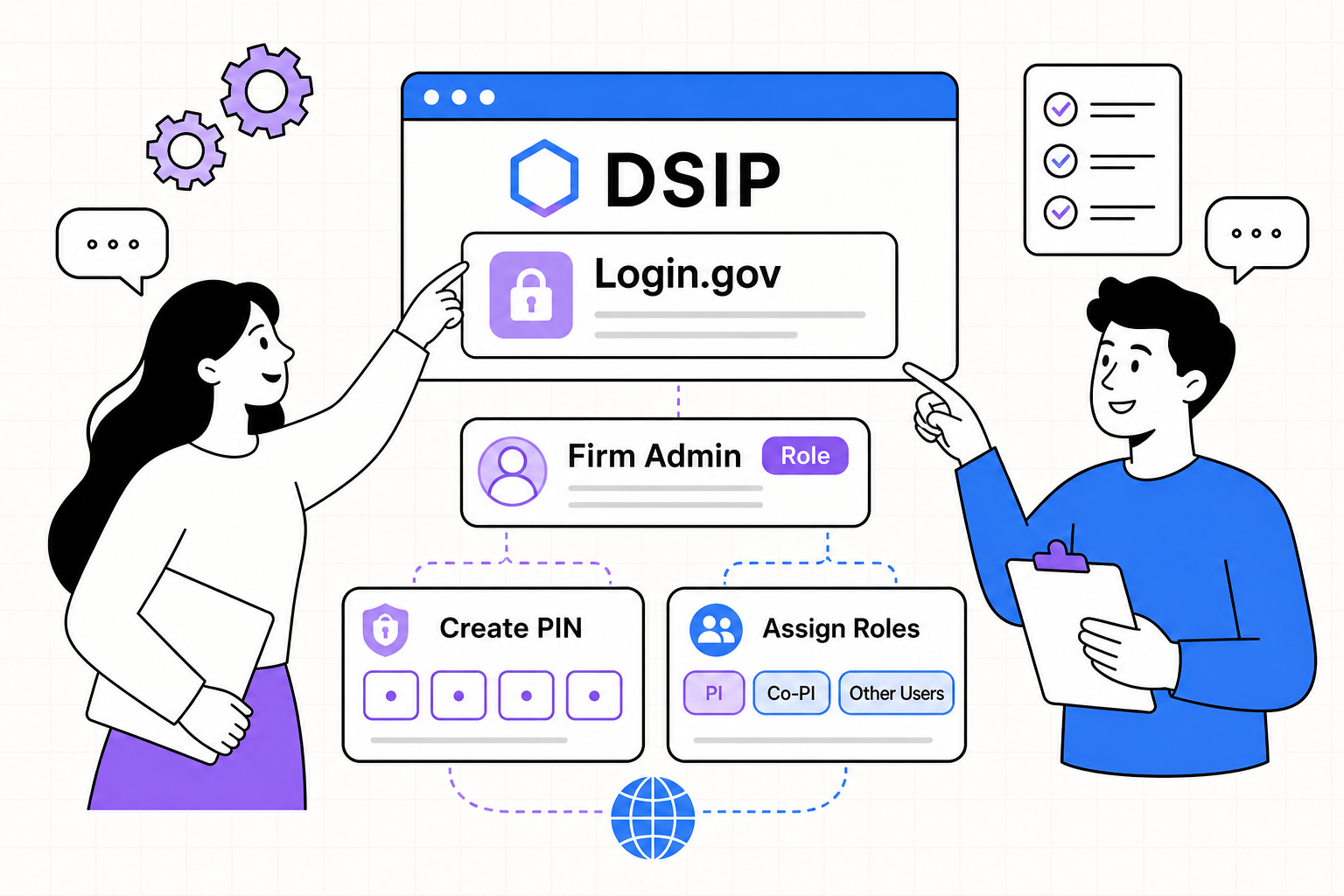
Defense requires SBIR/STTR proposals to be submitted electronically through DSIP (Defense SBIR/STTR Innovation Portal). Users authenticate through Login.gov. Final submission requires firm forms, proposal volumes, and corporate certification.
Firm setup checklist
- 1Create an individual Login.gov account
Account sharing is prohibited. Avoid group mailboxes for individual identities.
- 2Enter DSIP through its Login.gov flow
Start from DSIP — do not expect Login.gov alone to find your firm workspace.
- 3Find, create, or claim the firm record
Match SAM.gov legal name, DBA, UEI, CAGE, and physical address. Avoid duplicates.
- 4Identify Firm Admin and protect the Firm PIN
The company — not an outside consultant — should retain permanent control of Firm Admin and the PIN.
- 5Assign roles and complete firm forms early
Proposal Owner creates proposals; Corporate Official certifies and submits. Complete SBIR.gov info, CCR, certifications, foreign affiliation, and FWA training before crunch time.
Roles that matter on proposal day
| Role | What they do | Common failure |
|---|---|---|
| Firm Admin | Owns firm record, PIN, and user access | Left with a departed consultant |
| Proposal Owner | Creates and edits the proposal package | No backup if the owner is unavailable |
| Corporate Official | Certifies and submits — final authority | Out of country or without Login.gov MFA at close |
Firm-level forms to finish early
- SBIR.gov information and SBC Control ID linked
- Company Commercialization Report path understood (generate when required)
- Firm certifications and representations complete
- Foreign affiliation / relationships disclosures drafted from real records
- Fraud, Waste, and Abuse training current for required users
You are DSIP-ready
- Each named user has their own Login.gov account
- Firm record matches Active SAM.gov
- Firm Admin and PIN controlled by the company
- Corporate Official can certify and submit
- Firm forms and FWA training are not left for proposal day